Files in your own Google Drive
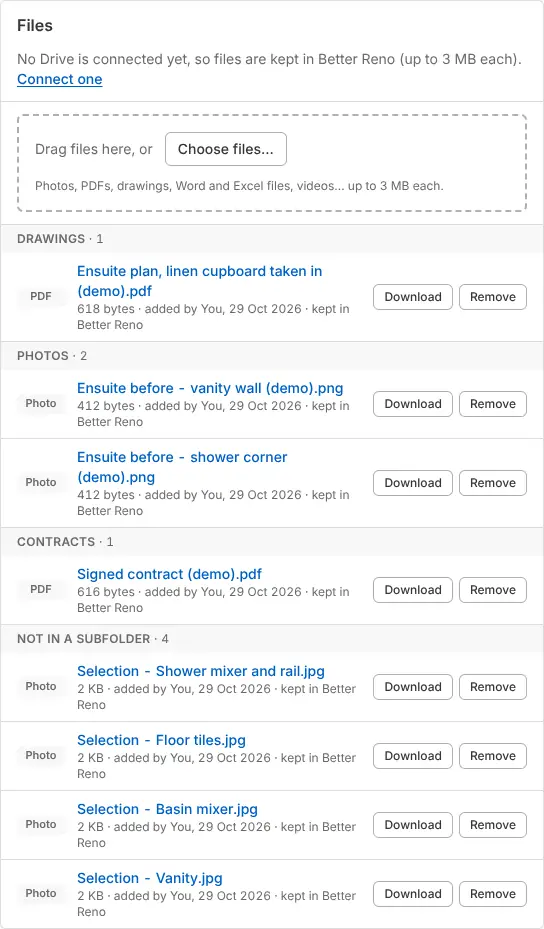
Plans, photos, contracts, bills and supplier papers go into a Better Reno folder in your own Google Drive, by client and job, in folders you name. Better Reno sees only the files it makes there, never the rest of your Drive. Being switched on now: until then files are kept in Better Reno.
Why it helps: Your files are in your Drive, even if you stop using Better Reno.
In Better Reno: A job, profile or supplier → Files · Settings → Files and data → File storage
Better Reno takes care of
- Makes a folder for each client and job, in folders you name.
- Renames and moves the folders when a client or job is renamed.
- Keeps the approved drawings, sent copies and plans in the right folder by itself.